DocumentationDec 6, 20257 min read
How to Create an SOP in 20 Minutes with AI Screen Recording
A practical workflow to move from raw clicks to a polished SOP without writing everything manually.
Read articleRecord browser workflows, generate AI documentation, and export share-ready guides in HTML, PDF, and video.
Amount: $4,500 • Due Oct 24
5 steps • 00:18 duration
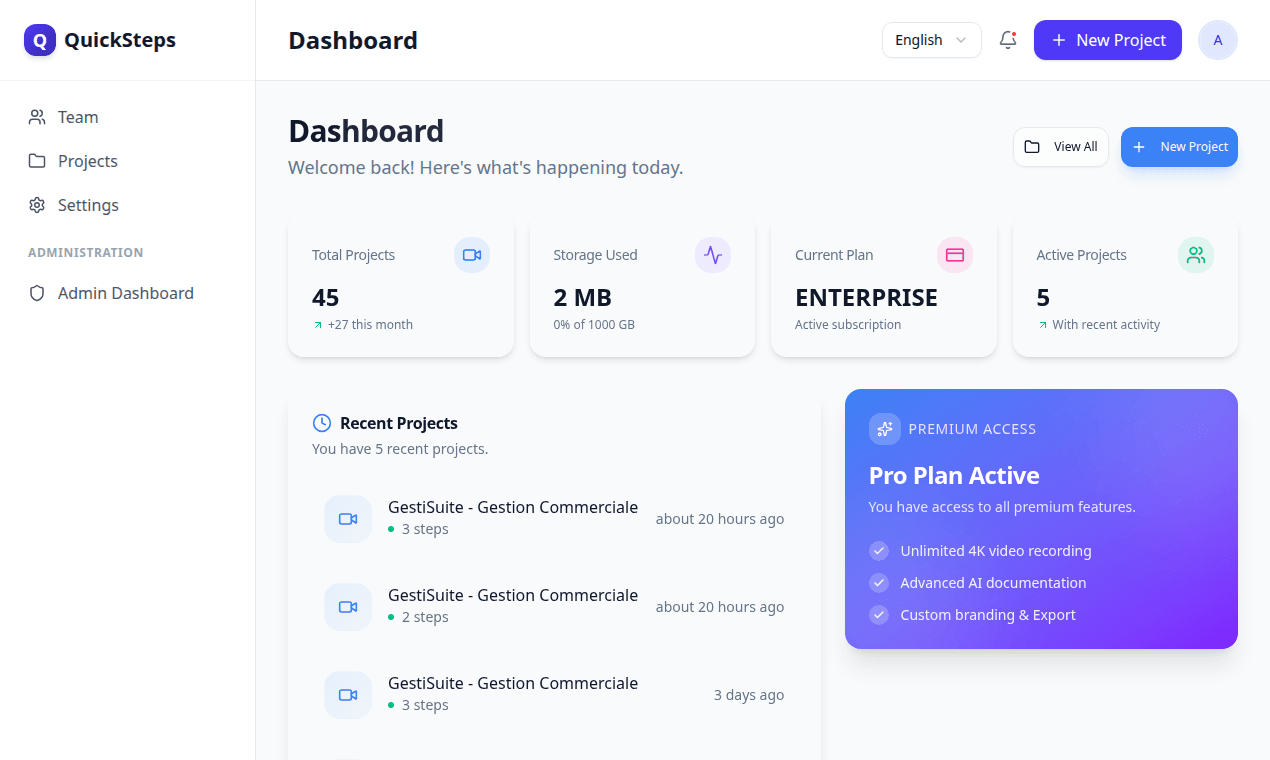
This is the live QuickSteps app. Teams can capture a workflow, generate an AI guide, then publish as share link or export format.
Clicks, inputs, navigation and screenshots in sequence.
AI drafts step titles, descriptions and actionable context.
Publish a guide page with ordered steps and highlights.
Download HTML, PDF and video, including Pro Render options.
Capture the process once, then publish documentation your users can actually follow.
Start capture from the extension and perform the task normally. QuickSteps logs key interactions and screenshots while keeping step order consistent.
AI drafts titles and descriptions from captured events. In the editor, you can adjust wording, remove weak steps, and keep only the essential flow.
1. Select the quote to transfer.
2. Open top menu and click Transfer.
Publish a link for teammates or export the workflow as HTML, PDF, and video. Premium users can launch Pro Render for advanced server-side MP4 rendering.
The landing reflects real, available capabilities in QuickSteps.
Records important interactions: clicks, form inputs, and navigation transitions with screenshot context and action area data.
Generates structured documentation in multiple languages from captured steps, with editable titles, descriptions and summaries.
Publish share links and export guides as HTML, PDF, and video. Premium includes server-side Pro Render Beta options and templates.
QuickSteps can render step-based videos with intro/outro, subtitles and visual templates for cleaner handoff to end users.
The editor can rewrite steps, keep sequence context, and preserve variable placeholders like document numbers so your guide stays reusable across runs.
Generate EN, FR, ES, AR versions.
Keep dynamic IDs as placeholders.
Start free, then upgrade when your team needs higher AI and collaboration limits.
$0
Perfect for getting started.
$9 / month
For individual professionals.
$19 / month
For teams and agencies.
Common use cases where QuickSteps delivers immediate value.
Turn repeated support tasks into reusable guides and shorten onboarding time for new teammates.
Capture business workflows from ERP/CRM apps and publish clear SOPs with consistent step order.
Export guides as HTML, PDF, or video for internal training and customer enablement.
Capture and sync flows are validated before upload, and published guides can be shared by link with access control options in the app.
Focused on real usage, capture quality, and publishing workflow.
Practical playbooks to automate documentation and ship clearer guides faster.
A practical workflow to move from raw clicks to a polished SOP without writing everything manually.
Read articleA repeatable system to shorten onboarding while keeping quality and compliance at the same level.
Read articleUse this checklist to deploy documentation automation in your team without breaking current workflows.
Read article